
Google Slides for Facilitators: Build Slides for Action
14 May 2026
A practical guide for trainers and facilitators to use Google Slides as interaction support instead of lecture storage.
Some slides look professional and still weaken the room.
The trainer clicks.
Participants read.
The trainer explains.
Participants nod.
Then the next slide appears.
After an hour, everyone has seen the content, but not enough people have worked with it.
That is the danger of deck-centric training.
The slide becomes the session.
And when the slide becomes the session, the learner becomes the audience.
That is not always training.
Sometimes that is just a presentation with nicer fonts.
For facilitators, Google Slides should not be a storage place for everything you know.
Slides should be a signal for what learners should do next.
Think of a slide like a road sign.
The sign is not the journey.
It tells people where to go next.
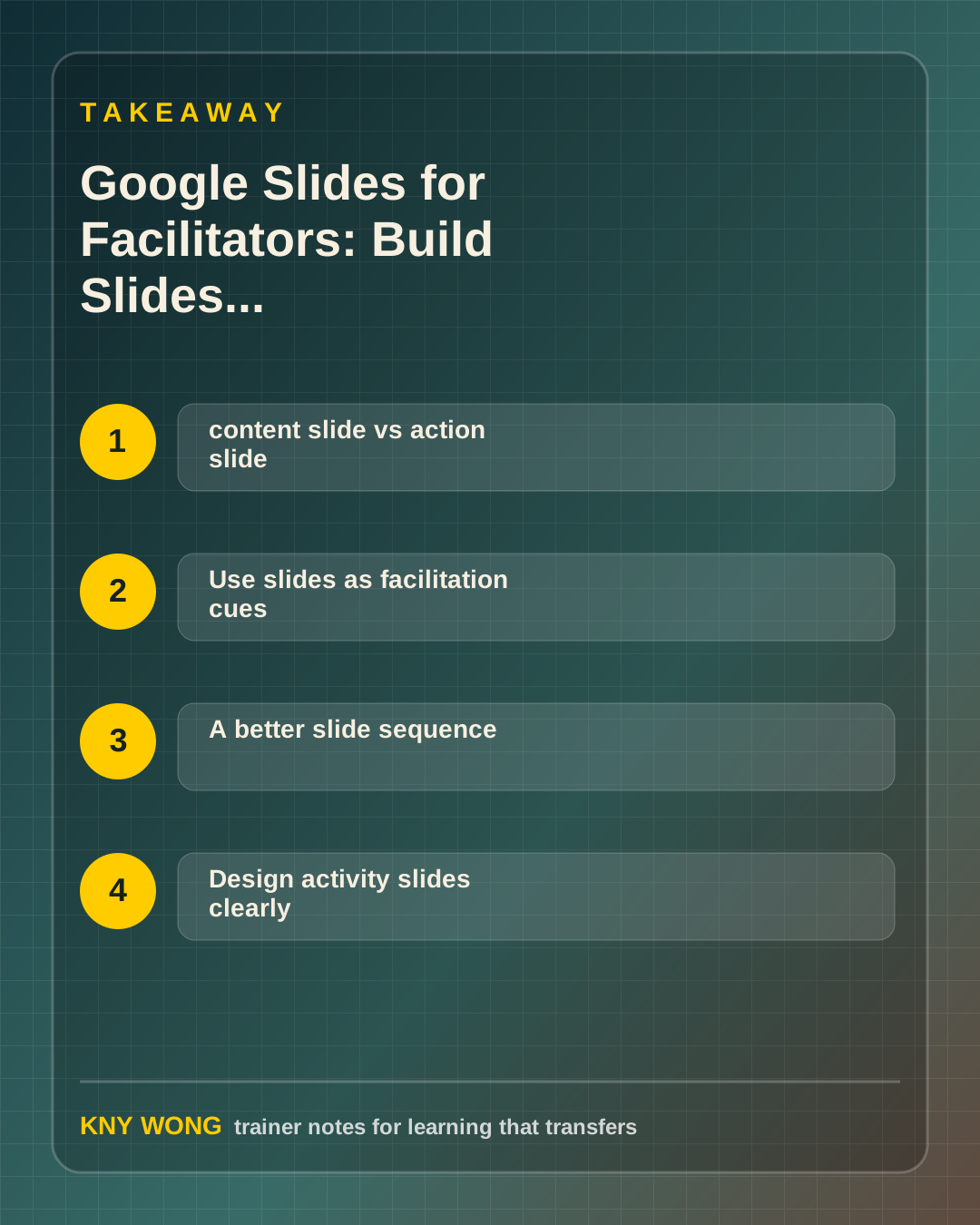
The simple distinction: content slide vs action slide
A content slide says:
"Here is information."
An action slide says:
"Do something with this information."
That difference matters.
Learning is not built by exposure alone.
People need to retrieve, discuss, apply, test, revise, and commit.
Your slides should create those moments.
Use slides as facilitation cues
A strong facilitation slide usually does one job:
- ask a question
- frame a discussion
- explain a task
- show a simple model
- capture group output
- guide reflection
If one slide tries to do five jobs, it becomes noise.
One slide, one purpose.
That rule alone improves many training decks.
A better slide sequence
Instead of:
- concept
- concept
- concept
- example
- summary
Try:
- problem question
- simple concept
- participant example
- practice task
- debrief question
- transfer decision
This sequence creates movement.
The learner is no longer only receiving.
They are processing.
Design activity slides clearly
Activity slides need clarity more than decoration.
Include:
- task
- time
- group size
- output
- debrief question
Example:
```text In pairs - 8 minutes
Choose one real work task. Rewrite the instruction using the framework.
Output: One improved version and one question you still have. ```
This is not fancy.
It is useful.
Useful slides are underrated.
Where Gemini in Slides can help
Gemini in Slides can support slide generation, image creation, and alternative framing depending on access and rollout.
Use it for first drafts and variations.
Ask:
- "Make this slide more activity-based."
- "Reduce this into one prompt."
- "Suggest a visual metaphor for this concept."
- "Create three versions for different audience confidence levels."
Then decide as the facilitator.
AI can help you create slides faster.
It cannot know when your room needs silence, discussion, or practice.
Common mistakes to avoid
The first mistake is using slides as a script.
If the slide contains everything you plan to say, the learner may stop listening.
The second mistake is over-designing.
Training slides do not need to win design awards. They need to support thinking.
The third mistake is hiding the task.
If participants need to ask, "What are we supposed to do?", the slide is not clear enough.
The fourth mistake is not building transfer into the deck.
End with a decision, not only a thank-you slide.
A 15-minute action step
Open one existing deck.
Mark every slide as either:
- content
- action
If you have more than three content slides in a row, add an action slide.
Use one of these:
- "Discuss this in pairs."
- "Apply this to your current work."
- "Choose one barrier."
- "Write your next action."
The goal is not more slides.
The goal is more learner movement.
Final takeaway
They should help the learner move.
When every slide has a job, the room becomes more active, and the training becomes easier to transfer.
Sources referenced:
Related reading:
- Google Docs for Trainers: Turn Learner Notes Into Transfer Tools
- Google Vids for Trainers: Make Short Videos That Help People Remember What to Do
If you want this adapted for your trainers, teams, or facilitation workflow, contact Kny.