
Google Flow for Trainers: Use AI Video for Scenario Design
14 May 2026
A practical guide for trainers and facilitators to use Google Flow and AI-generated video carefully for scenarios, visual prompts, and learning transfer.
AI video is tempting.
Very tempting.
You type something.
A scene appears.
Now your training deck looks modern.
Everyone says, "Wow."
Then what?
Same question again.
If the video does not help participants notice, decide, practise, or reflect, it is decoration.
Nothing wrong with decoration in the right place.
But do not confuse decoration with learning.
Google Flow is an AI filmmaking tool built with Google's generative models, including Veo, Imagen, and Gemini. Google's help pages describe Flow as a tool for creating cinematic clips, scenes, and stories, with availability depending on age, region, subscription, browser, model, credits, and supported features.
For trainers, the best use is not "make my slides look futuristic."
The better use is scenario building.
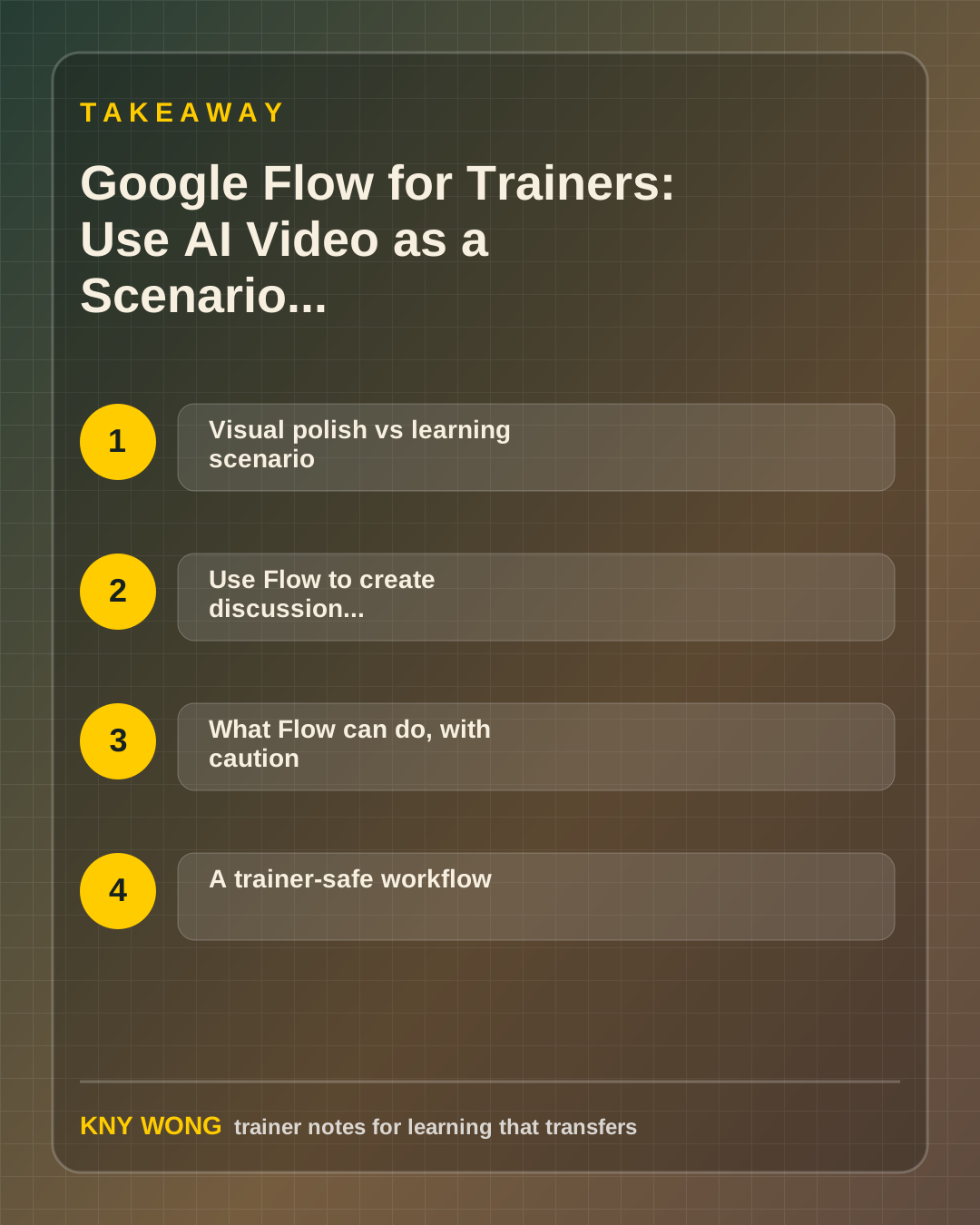
Visual polish vs learning scenario
Visual polish asks:
"How do I make this look impressive?"
Learning scenario asks:
"What situation should participants practise thinking through?"
That second question is the important one.
Training often needs realistic situations:
- a manager avoiding a difficult conversation
- a team meeting where nobody speaks
- a customer interaction going wrong
- a safety behaviour being ignored
- an employee using AI without checking the output
Sometimes filming these scenes with real people is expensive, awkward, or not appropriate.
AI video can help create a neutral prompt.
But the video is not the lesson.
The debrief is the lesson.
Use Flow to create discussion, not just motion
A good scenario video should make participants think.
After watching, they should be able to answer:
- What did you notice?
- What assumption did you make?
- What is the real problem?
- What should the facilitator or manager do next?
- What risk is hidden here?
If the video only makes people say "nice video," it is weak.
The room needs something to work with.
For example, show a short AI-generated meeting scene where one person dominates and others stay silent.
Then ask:
- "What data do we actually have?"
- "What story are we telling ourselves?"
- "What intervention would you try first?"
What Flow can do, with caution
Google's public materials describe Flow as supporting AI video creation, scene building, camera control, refinement, composition, and asset management, with model-dependent features such as text-to-video and frames-to-video.
That means a trainer may be able to create:
- a scene from text
- a clip from a reference frame
- related clips with consistent visual direction
- a visual prompt for role-play or discussion
- a short teaser for a learning campaign
But do not promise a client something before testing access.
Features may depend on account, region, subscription, and model support.
Also, AI video can look convincing.
That is exactly why trainers must be careful.
Do not present generated video as real evidence.
Use it as a scenario, simulation, or discussion prompt.
A trainer-safe workflow
Use this workflow:
- Define the learning decision
What should participants notice, decide, or practise?
- Write the scenario
Keep it realistic. Not drama for drama's sake.
- Remove private details
Do not base the scene on a real client, participant, logo, office, or confidential case.
- Generate rough options
Expect revision. AI video is not always one-shot.
- Review for learning fit
Ask:
- Is the behaviour clear?
- Is the scene culturally appropriate?
- Is anything misleading?
- Could learners misread the point?
- Does it create bias?
- Design the debrief
The debrief questions are more important than the clip.
No debrief, no learning.
Common mistakes to avoid
The first mistake is using AI video because it is new.
New gets attention.
Useful gets remembered.
The second mistake is making the scenario too dramatic.
Real workplace problems are often subtle.
If the video is too extreme, participants discuss the production instead of the behaviour.
The third mistake is using generated video as proof.
AI-generated video is not evidence that something happened.
The fourth mistake is hiding that the video is synthetic when it could be mistaken for real.
Be transparent where appropriate.
The fifth mistake is skipping cultural review.
A scenario that works in one context may feel strange, biased, or unrealistic in another.
A 15-minute action step
Choose one workshop where participants need to practise judgment.
Write a scenario using this format:
- Setting:
- People involved:
- Tension:
- Visible behaviour:
- What participants should notice:
- Debrief question:
Before generating anything, ask:
"Can this be taught with a text case, role-play, or still image?"
If yes, maybe you do not need video.
Use AI video only when motion adds learning value.
Final takeaway
Do not use it only to decorate the deck.
The video is the prompt. The debrief is the learning.
Sources referenced:
- Google Blog: introducing Flow and Veo workflows
- Google Labs Help: Flow overview
- Google Labs Help: prompt controls in Flow
- Google Labs Help: output and export guidance
- Flow FAQ
Related reading:
- Google Vids for Trainers: Make Short Videos That Help People Remember What to Do
- Google Ecosystem for Trainers: Build One Learning Workflow
If you want this adapted for your trainers, teams, or facilitation workflow, contact Kny.