
Technology Should Extend the Trainer, Not Distract the Learner
14 May 2026
A practical guide for trainers and facilitators on choosing technology that supports attention, practice, transfer, and impact without making the learner carry the tool.
Technology can make training better.
It can also make training messy.
More links.
More tabs.
More apps.
More instructions.
More "Can everyone see my screen?"
More "Please log in first."
By the time everyone is ready, the learning energy is gone.
So let me say this clearly.
If the tool needs more facilitation than the learning itself, the tool is the problem.
Technology should extend the trainer.
It should not distract the learner.
A tool is like a microphone
Think about a microphone.
A good microphone helps people hear the speaker.
A bad microphone becomes the event.
The sound cracks.
People turn around.
The speaker taps it.
Someone runs to the back of the room.
Now nobody is listening to the message.
They are listening to the problem.
Training technology is the same.
When it works well, it carries the learning.
When it gets in the way, it becomes the lesson.
And usually not a good one.
Start with the learning job
Google Workspace has many tools for communication, collaboration, productivity, and learning workflows.
That is useful.
But the trainer's job is not to use as many tools as possible.
The trainer's job is to choose the tool that helps the learning happen.
So before choosing any app, ask:
"What learning job must this tool do?"
Maybe the job is:
- collect participant input
- organize materials
- guide an activity
- capture group thinking
- support practice
- provide feedback
- remind learners after the session
- track simple evidence of application
If the tool does not support one of these jobs, pause.
Maybe it is decoration.
Decoration is expensive when it uses learner attention.
Trainer convenience is not learner clarity
This is a common trap.
A tool may make the trainer's preparation easier.
But that does not automatically make the learner's experience clearer.
Trainer convenience asks:
"How can I manage all my materials?"
Learner clarity asks:
"What do participants need to do next?"
Both matter.
But in the room, learner clarity wins.
A trainer may enjoy building a beautiful system with ten folders, five forms, three dashboards, and several AI-generated resources.
The participant may only need one link.
One worksheet.
One instruction.
One place to return after the session.
Do not make the learner carry your back-end complexity.
Technology should support performance, not only activity
The CDC describes training as aiming to improve competence, capacity, and performance.
That gives us a strong filter.
Ask:
- Does this tool help learners understand better?
- Does this tool help learners practise better?
- Does this tool help learners perform better after the session?
If the answer is no, maybe the tool is not needed.
It may be impressive.
It may be modern.
It may make the workshop look advanced.
Still not enough.
The question is impact.
AI tools need even more judgment
AI makes this issue bigger.
Because AI can generate slides, notes, summaries, activities, images, and videos quickly.
Fast output can make trainers feel productive.
But again, ask:
"Productive for what?"
UNESCO's AI competency framework includes areas such as a human-centred mindset, ethics of AI, AI foundations and applications, AI pedagogy, and AI for professional learning.
That means AI use in training is not only a production question.
It is also a responsibility question.
Before using AI in a session, ask:
- What human decision is being supported?
- What should participants still check?
- What data should not be used?
- What could the AI output misrepresent?
- What impact should this task create?
If those questions are missing, AI may make the session faster but not wiser.
The best tool disappears into the learning
A good Google Form does not make people think about the form.
It helps them reflect.
A good Drive folder does not make people admire folder design.
It helps them find the right material at the right time.
A good Sheet dashboard does not show off formulas.
It helps the trainer see patterns and decide what to do.
A good AI activity does not make people worship AI.
It helps them think better with AI.
That is the standard.
The tool should serve the learning so well that the learner can focus on the work.
A simple tool-selection filter
Before adding any tool, use five questions:
- What learning job does this tool support?
- What will the participant actually do with it?
- How much setup does it require?
- What could go wrong?
- What is the simpler option?
That fifth question is important.
Sometimes the simpler option is better.
Sometimes a printed worksheet beats a complicated platform.
Sometimes a shared Doc beats a custom app.
Sometimes a flipchart beats a slide.
Do not feel insecure about simple tools.
Simple is not weak.
Simple is often strong facilitation.
Common mistakes to avoid
The first mistake is using technology to look modern.
Modern does not mean meaningful.
The second mistake is making participants learn the tool before they can learn the content.
If setup eats the session, the design is wrong.
The third mistake is having no fallback.
Wi-Fi fails.
Accounts get locked.
Admin settings block access.
Devices behave differently.
Plan for real life.
The fourth mistake is confusing completion with impact.
Just because participants submitted the form, clicked the link, or produced an AI output does not mean learning happened.
You still need the debrief.
A 15-minute action step
Open one workshop plan.
List every tool, link, app, platform, form, folder, and file participants touch.
For each one, write:
- learning job
- participant action
- possible friction
- simpler option
Then remove one thing.
Not add.
Remove.
See whether the learning path becomes clearer.
Sometimes the best technology decision is subtraction.
Final takeaway
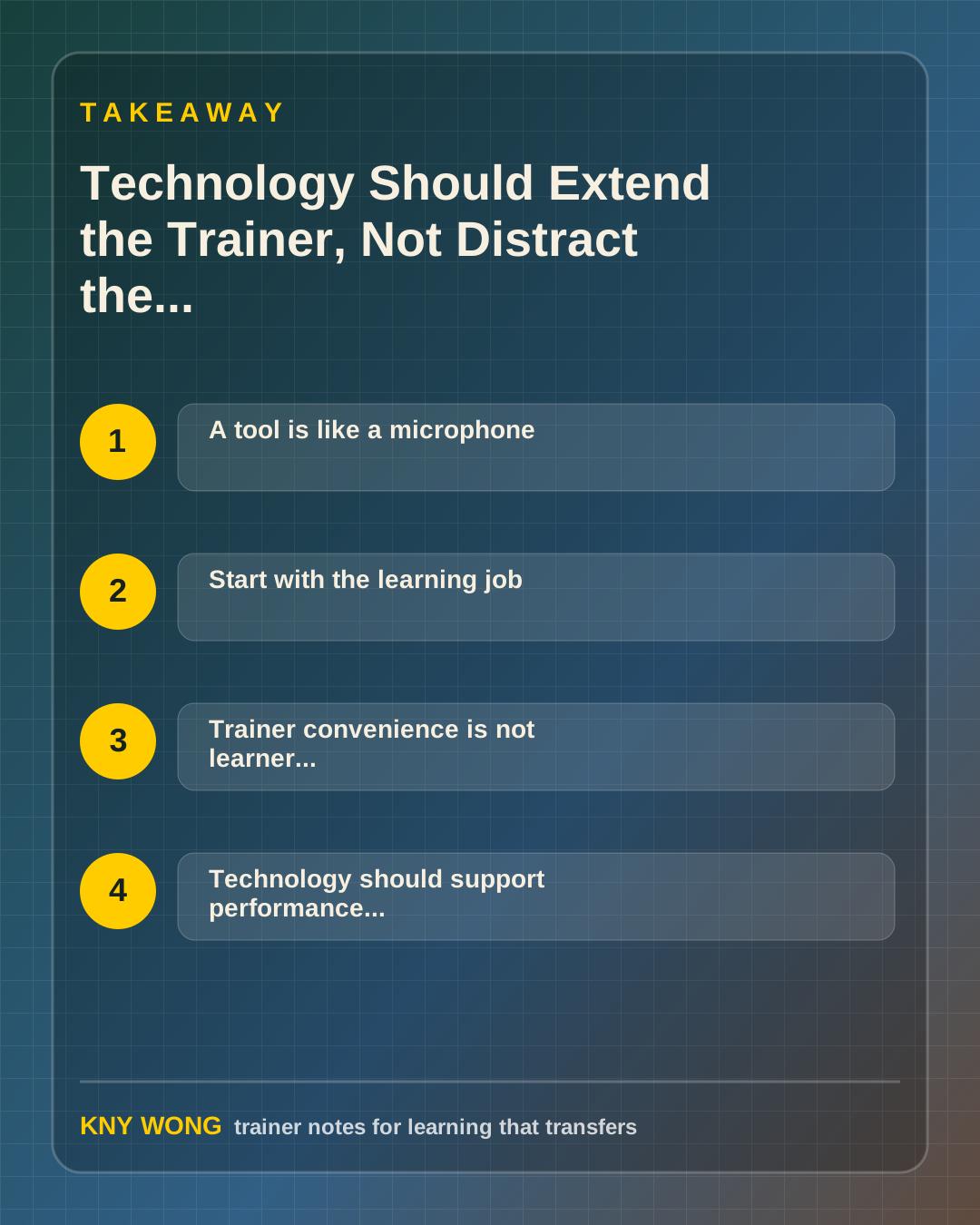
Use tools when they extend the trainer, clarify the path, and support impact.
Remove them when they make the learner work harder than the learning requires.
Sources referenced:
- Google Workspace Help: user ecosystem overview
- CDC training development overview
- UNESCO AI competency framework
- Center for Accelerated Learning guiding principles
Related reading:
If you want this adapted for your trainers, teams, or facilitation workflow, contact Kny.